DaMing Touch&Display
Industrial touch panels and custom display fronts.
Evaluate a reference module, extend it with cover and display integration, or define a project-specific front from the application. No shopping cart. No public price.
Start from a photographed reference panel and separate what can stay from what the drawing must change.
02ExtendAdd cover, bonding, LCD, controller and cables only after they are reviewed as one stack.
03DefineTurn the open questions into an agreed drawing and sample check. Scope is set per project.
Company-stated figures, including Class 100 / 1,000 cleanrooms on the current preview. The previous factory page also described GG, GFF and full-lamination lines. Confirm the process and the size for your program. Size spans on the old pages do not match one another.
Custom display development
One project path from evaluation to production.
Start with an existing module, review the display stack, and carry one confirmed configuration into the next stage. Nothing on this page is a quotation.
A reference is a starting point, not the specification.
The 8.0-inch and 10.5-inch records carry reference dimensions. The other photographed sizes do not. Tell us which decisions are already fixed — window, tail, host, environment — and which are still open.
- Use a photographed panel only where the drawing exists
- Mark unfinished sizes as pending, not as a datasheet
- List the questions the sample must answer
Cover, touch and display move together.
Sensor outline, cover print, bonding, LCD, controller and cables change one another. We review them as one configuration before anyone treats a photograph as a part number.
- Cover material, window and printing with the sensor
- Bonding only after the stack is named
- Driver board and cables matched to the agreed host
One configuration, then the quantity.
Drawing scope, development cost and schedule are agreed for that project. A one-year warranty was described on the previous site; the term that applies is the one in the quotation, not a banner on this page. There is no public price or minimum order on this site.
- Agreed drawing and configuration named together
- Quantity and schedule confirmed for that project
- Glove or water behavior defined, never assumed
Displays & modules
Explore the reference range.
Photographs migrated from touch-displays.com. Configure or inquire. There is no public price.
LCD modules are a range, not a SKU list. Read the LCD range · Open the full catalog
Integration routes
Five ways into a custom front.
The catalog is the reference library. These routes are how a project is actually defined.
Project record
No customer review is published here.
The previous site named sectors — industrial control, medical, education, automotive, appliances, smart home and payment devices — without results we can attribute. Customer photographs, logos and reviews stay off this page until the customer, the scope and the outcome are confirmed.
The water-heater keypad below is an illustrative concept. It is not a project record and not a customer-approved case.
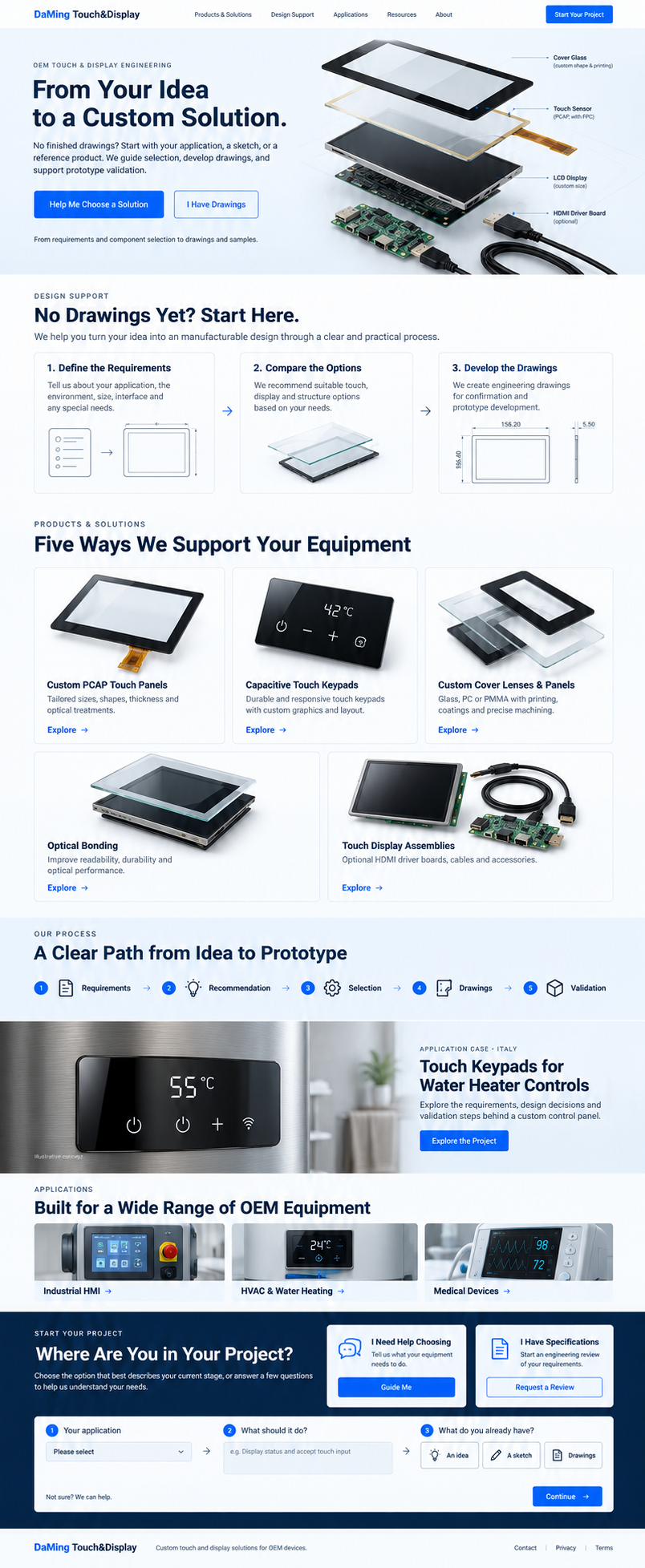
Illustrative concept
Touch keypads for water-heater controls.
A discussion of button layout, cover construction, control connections, and sample checks. No customer is named. No outcome is stated.
Illustrative concept This water-heater keypad example.
Project record · pending confirmation Not used on this page. A real file would be labeled only after the public details are confirmed.
Customer-approved Not used. No customer-approved record is published.
Applications
Built around the equipment.
Industrial HMI
Mechanics, interfaces and field conditions.
Explore application ↗ 02 / HVACHVAC & water heating
Keypad, cover and display, coordinated.
Explore application ↗ 03 / MedicalMedical devices
Materials, interaction and validation needs.
Explore application ↗ 04 / TerminalsSmart, AI & robot terminals
Touch and display constraints for terminals and robots. No case study.
Explore application ↗Manufacturing
The work, not a stock interior.
Production photographs already in this library. Process scope is still defined per configuration.

A production environment
Manufacturing views bring the integration discussion into context.
Inside the process
Equipment and operator interaction. The route is reviewed for each configuration.
Project inquiry
Tell us what you are building.
Choose a starting point. The brief goes to the DaMing team through FormSubmit after you review it. There is no public price.
Submitting opens FormSubmit for delivery to sgk@touch-displays.com. Security verification or first-time recipient activation may be required. A copy of the contact path also reaches chloe@touch-displays.com when you write directly.
Questions
Before the design is frozen.
Can we start a custom touch project without drawings?
Yes. Describe the application, the intended functions and the approximate space. A sketch or a reference product helps. Finished drawings are not required to begin. We clarify the requirements, then agree the drawing work.
Start without drawings →Touch keypad, PCAP panel or touch display: where should we start?
Begin with how people operate the equipment. Fixed functions can be touch keys. On-screen interaction may call for a PCAP panel. A display adds the screen and the connection. We compare those routes against the project.
How do we choose glass, PC or PMMA?
Compare the whole construction: grade, thickness, coatings, printing and mounting. Glass, PC and PMMA trade weight, impact, surface life and appearance differently. Share the cleaning agents and the exposure so compatibility can be reviewed.
Can you match an LCD, a driver board and the cables?
We review the LCD model or the required specification, the host connection, power and the installation. The driver board, firmware, connectors and cables have to match the agreed configuration.
Can touch operate with water or gloves?
Share the glove material and thickness, the moisture and the behavior you expect. Sensor, cover and controller are reviewed together, then sample checks are agreed. Touch with water on the surface and protection against water ingress are different requirements. Neither is a blanket guarantee.
Read the glove and wet-touch note →